
Migration
Upgrading to Magento 2.4.9: What Changed and How to Do It Safely
 MageEnv Team·2026-07-27·7 min read
Magento 2.4.9 landed on May 12, 2026, and it's a bigger release than the version number suggests — two framework replacements, a dropped PHP version, and over 500 bug fixes. None of that is a reason to upgrade blindly, and none of it is a reason to put the upgrade off indefinitely either. Here's what actually changed and how to move to it without surprises.
What's Actually New in 2.4.9
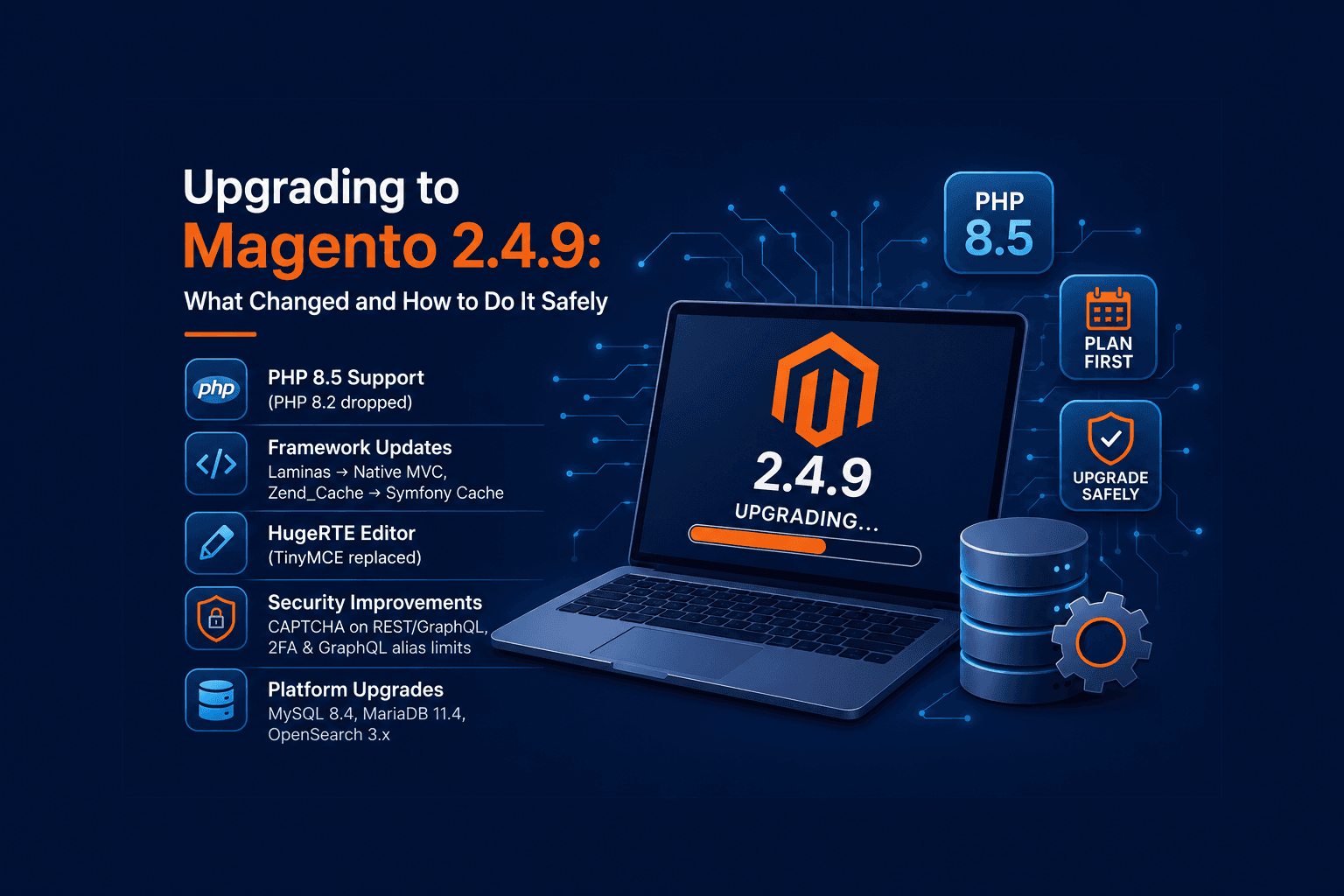
- PHP 8.5 support added, PHP 8.2 support dropped. If you're still on 8.2, this release forces the runtime conversation whether you want it or not.
- Native PHP MVC replaces Laminas. Code that leaned on Laminas-specific behavior in custom modules is the most likely place for quiet breakage.
- Symfony Cache replaces Zend_Cache. Custom cache backends or anything poking at Zend_Cache internals needs a look.
- HugeRTE replaces TinyMCE as the default WYSIWYG editor. Any extension that hooked into TinyMCE's plugin API needs to be re-verified.
- Database/search bumps: MySQL 8.4 LTS, MariaDB 11.4, and OpenSearch 3.x are now supported.
- Security tightening: CAPTCHA/reCAPTCHA is now enforced on REST and GraphQL account creation, GraphQL alias limits are in place to blunt query-abuse attacks, and 2FA configuration got easier to manage.
Check Support Status Before You Do Anything Else
Not every store needs to move this minute. Support windows matter more than the release date:
- 2.4.6 support ends August 11, 2026 — the nearest deadline, and the strongest reason to act now if you're on it.
- 2.4.7 and 2.4.8 remain supported for longer, but both are now one or two versions behind.
- 2.4.9 is the current release, with regular support running through May 2029.
If you're on 2.4.6, treat this as time-boxed. If you're on 2.4.7 or 2.4.8, you have more room to plan the upgrade properly rather than rushing it.
Audit Custom Code Against the Two Framework Swaps
The Laminas → native MVC and Zend_Cache → Symfony Cache changes are the parts a changelog skim will miss. Before upgrading:
grep -rn "Laminas\\\\" app/code
grep -rn "Zend_Cache" app/code
Anything that matches is worth reading closely — it doesn't mean it'll break, but it's exactly the kind of thing that passes setup:upgrade cleanly and then fails at runtime on a specific admin action nobody tested.
Check Third-Party Extensions for TinyMCE Hooks
If any installed extension adds custom buttons or plugins to the WYSIWYG editor, check with the vendor whether it's been updated for HugeRTE. This is the same category of risk as the TinyMCE-to-HugeRTE swap itself — it'll look fine until someone opens the CMS editor and a toolbar button is just gone.
Confirm Your PHP Target Before Touching Composer
Decide upfront whether you're moving to PHP 8.5 or staying on a still-supported version, then sync Composer's platform config to match before pulling in the new Magento version:
composer config platform.php 8.5.0Skipping this step is how you end up debugging dependency resolution errors that are really just Composer targeting the wrong PHP version.
Back Up Before You Touch Anything
Take a full backup of your codebase, database, and media before starting — not a "just in case," an actual restorable backup you've verified. If the upgrade goes sideways partway through, this is what gets you back to a working store.
cp composer.json composer.json.bak
mysqldump -u<user> -p<password> <database> > backup_pre_2.4.9.sql
Put the Store in Maintenance Mode and Pause Cron
Take the storefront offline and stop background processing before changing anything — running cron jobs or queue consumers against a half-upgraded codebase is a common source of data corruption:
bin/magento maintenance:enable
bin/magento cron:remove
Update composer.json to Target 2.4.9
This step only points composer.json at the new version — it doesn't install anything yet:
composer require magento/product-community-edition=2.4.9 --no-updateRun the Upgrade
Now resolve and install the new dependencies, then run Magento's own upgrade pipeline in order:
composer update
bin/magento setup:upgrade
bin/magento setup:di:compile
bin/magento setup:static-content:deploy -f
bin/magento cache:flush
bin/magento indexer:reindex
setup:static-content:deploy only matters if you run in production mode — skip it for developer mode installs.
Bring the Store Back Online
bin/magento cron:install
bin/magento maintenance:disable
Restart Varnish or any full-page cache in front of the store if you're running one, so it doesn't keep serving pre-upgrade cached pages.
What to Actually Test Afterward
Given what changed in this release, prioritize:
- Admin CMS/catalog pages using the WYSIWYG editor — confirm HugeRTE loads and any custom editor plugins still work.
- Any custom module touching cache directly — confirm it behaves correctly under Symfony Cache.
- REST and GraphQL account creation flows — the new CAPTCHA enforcement will reject requests that don't account for it, which can silently break a headless storefront's signup flow.
- GraphQL queries with deep aliasing, if you have any — the new alias limits can reject legitimate but unusually complex queries.
Test This on a Disposable Environment, Not Your Only Dev Box
A release with two framework swaps and a PHP version bump is exactly the kind of upgrade you don't want to run for the first time against a client's shared staging server or your own primary dev setup. Spin up a fresh MageEnv environment, run the upgrade there, and work through the checklist above with nothing at stake — if something breaks, you throw the environment away and start over instead of untangling a half-upgraded install.
Pre-Upgrade Checklist
- Confirm your current version's support end date and how much runway you actually have.
- Grep custom code for
Laminas\andZend_Cacheusage. - Check third-party extensions for HugeRTE/TinyMCE compatibility.
- Sync
composer.json'splatform.phpto your target PHP version. - Back up code, database, and media, and verify the backup is restorable.
- Run the upgrade on a disposable environment first, not production or your main dev box.
- Enable maintenance mode and pause cron before touching composer.json.
- Point
composer.jsonat 2.4.9, thencomposer update,setup:upgrade,setup:di:compile,setup:static-content:deploy -f(production mode),cache:flush,indexer:reindex, in that order. - Test WYSIWYG editing, custom cache logic, and REST/GraphQL account creation explicitly.
- Re-enable cron, disable maintenance mode, restart any full-page cache in front of the store.
- Only then schedule the same sequence for the production upgrade window.